Your Mac.
At your fingertips.
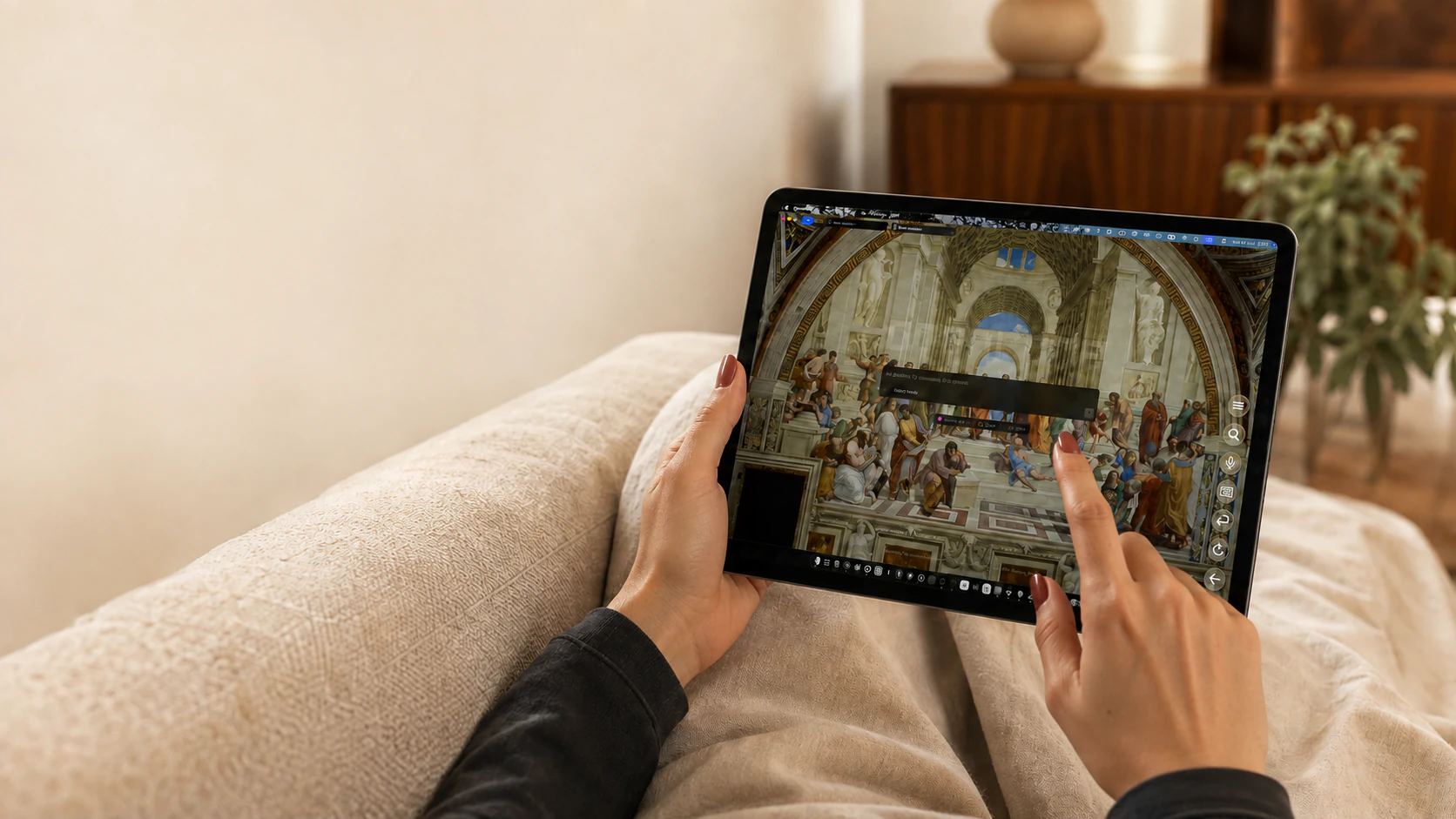
The whole Mac.
Made touchable.
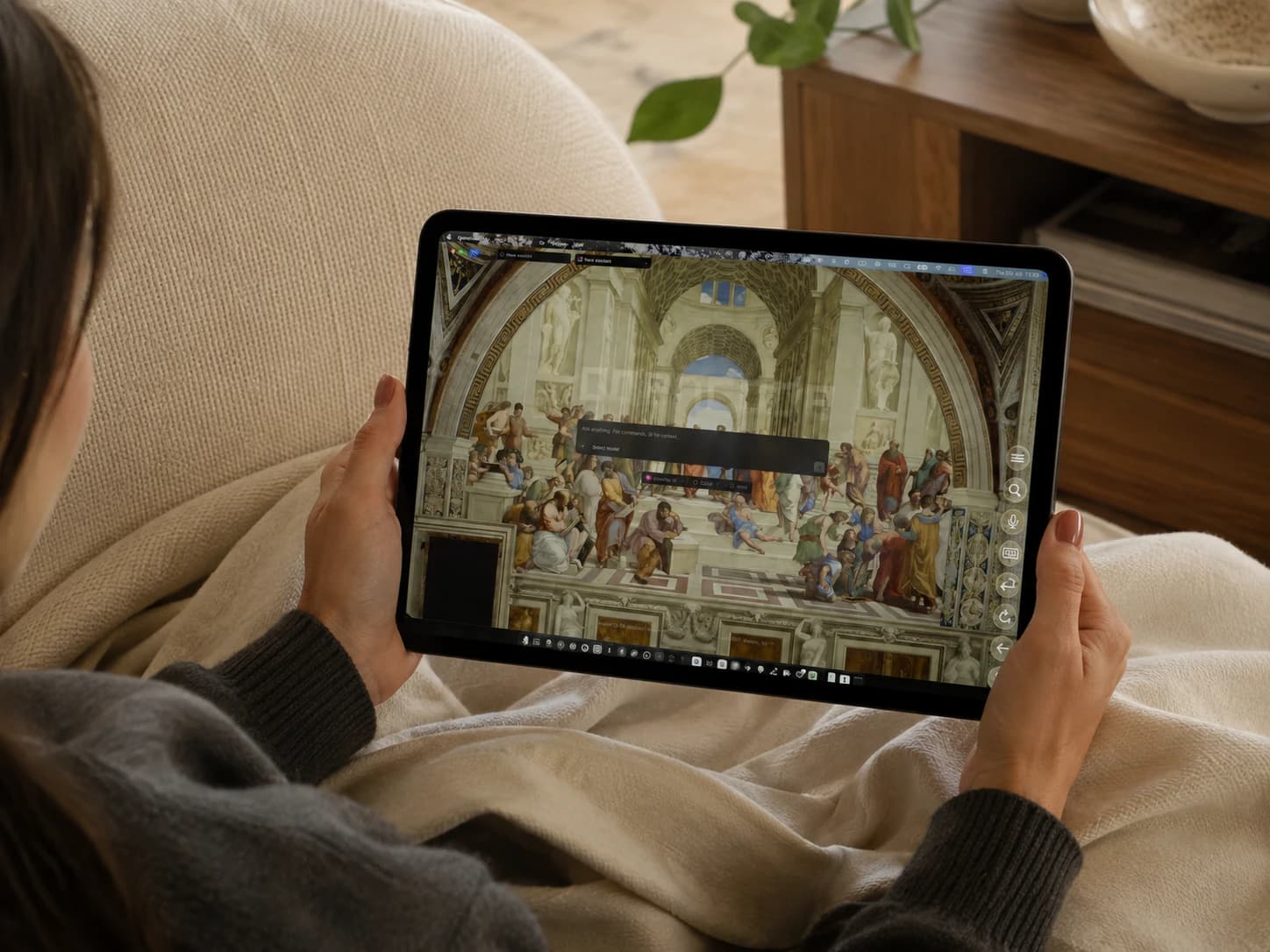
Your Mac, live on iPad.
Your apps and workspace, wherever you settle in.
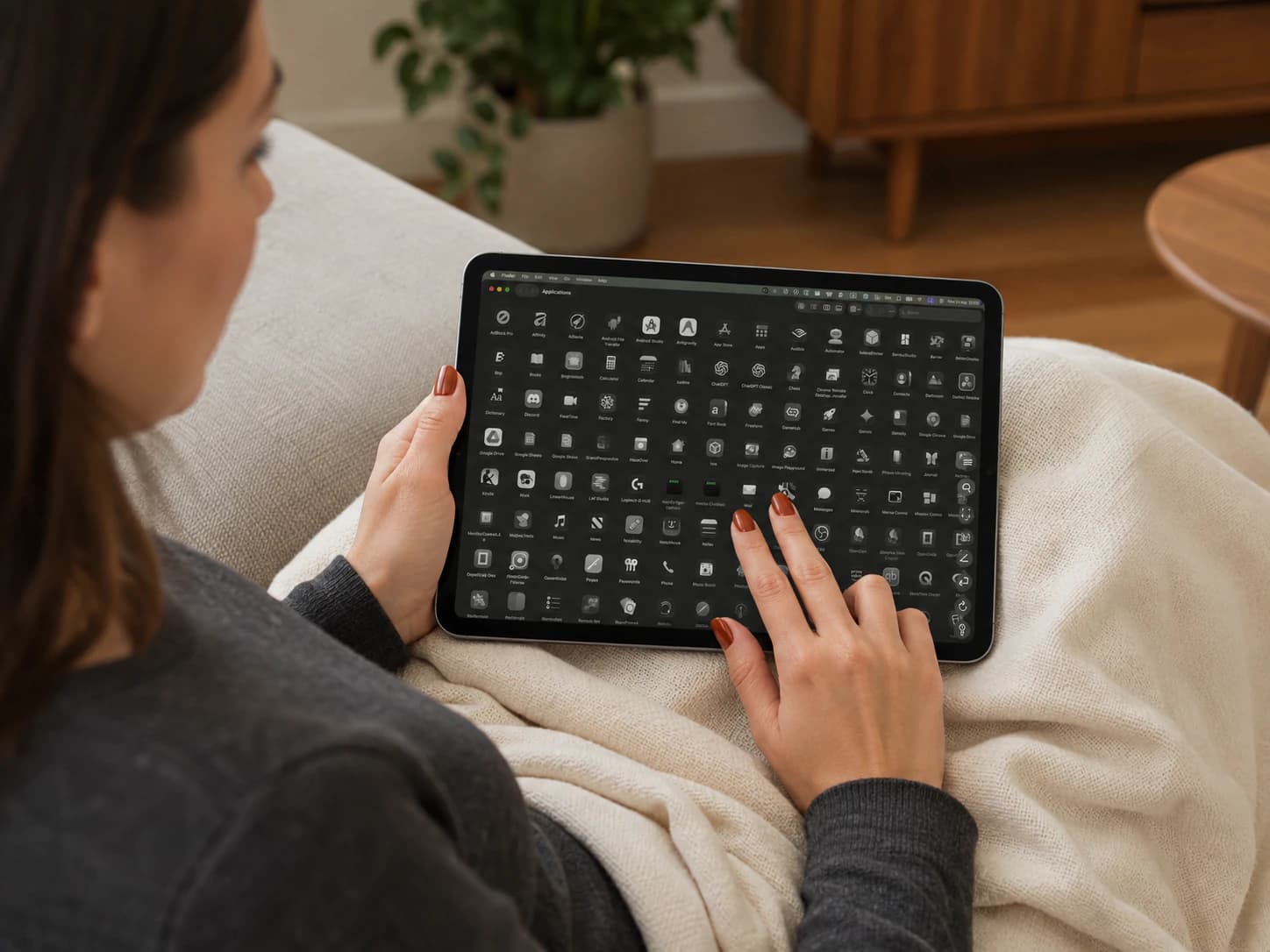
A trackpad in your hands.
Move, click and scroll across the whole screen.
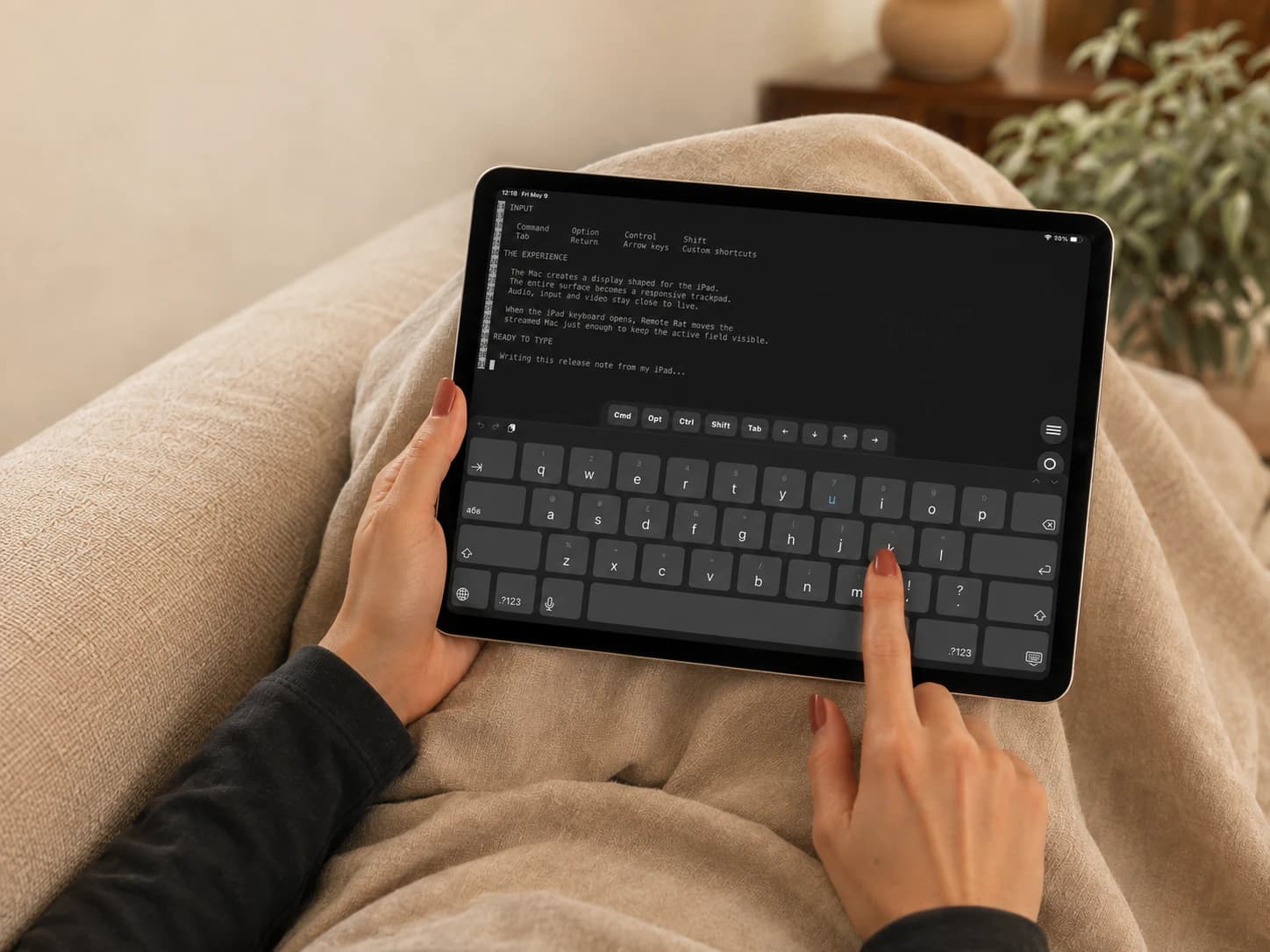
Mac keys. Within reach.
Command, Option, Control and Shift, right above your keyboard.
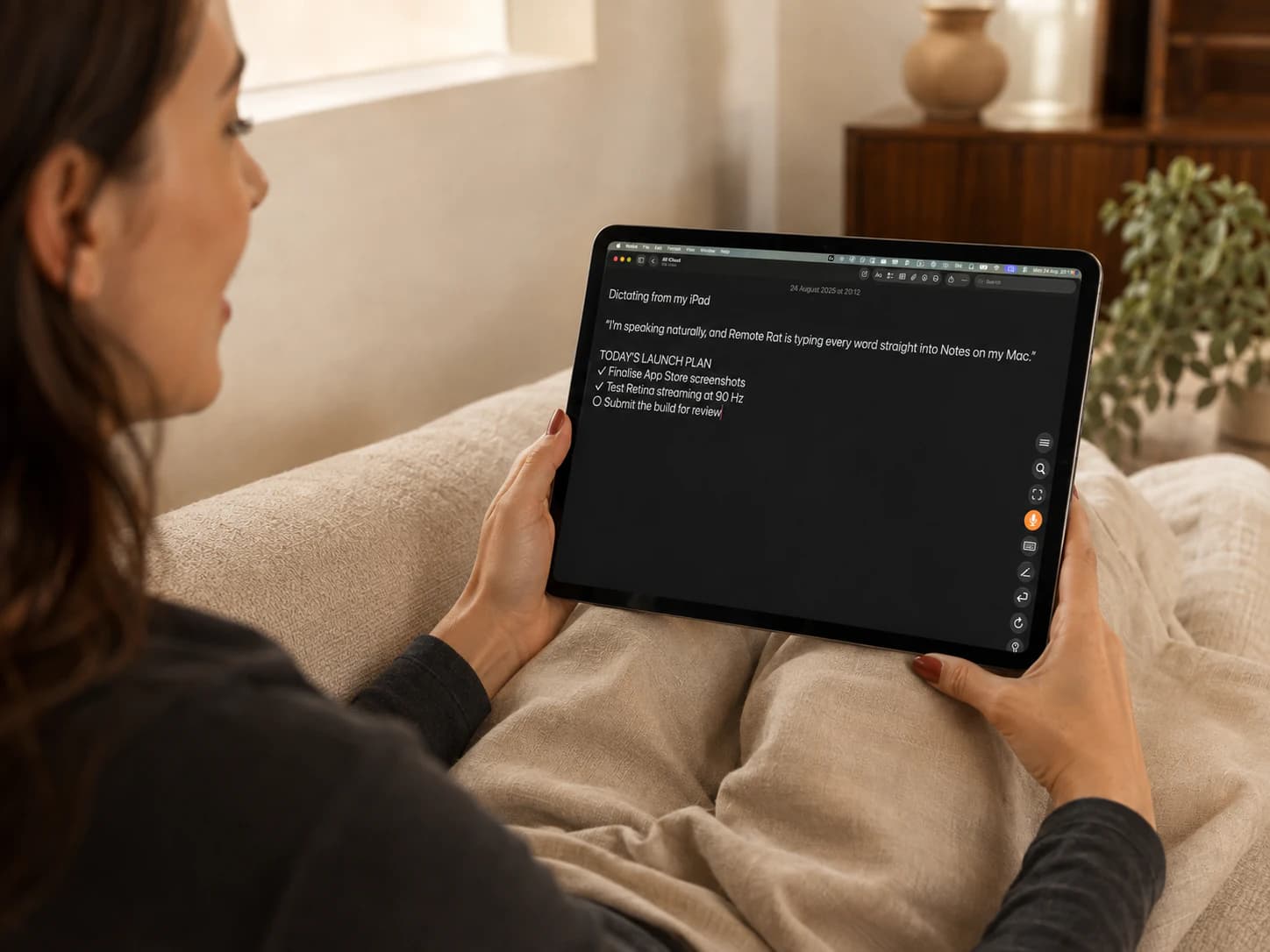
Say it. Keep going.
Dictate straight into the Mac app you’re using.
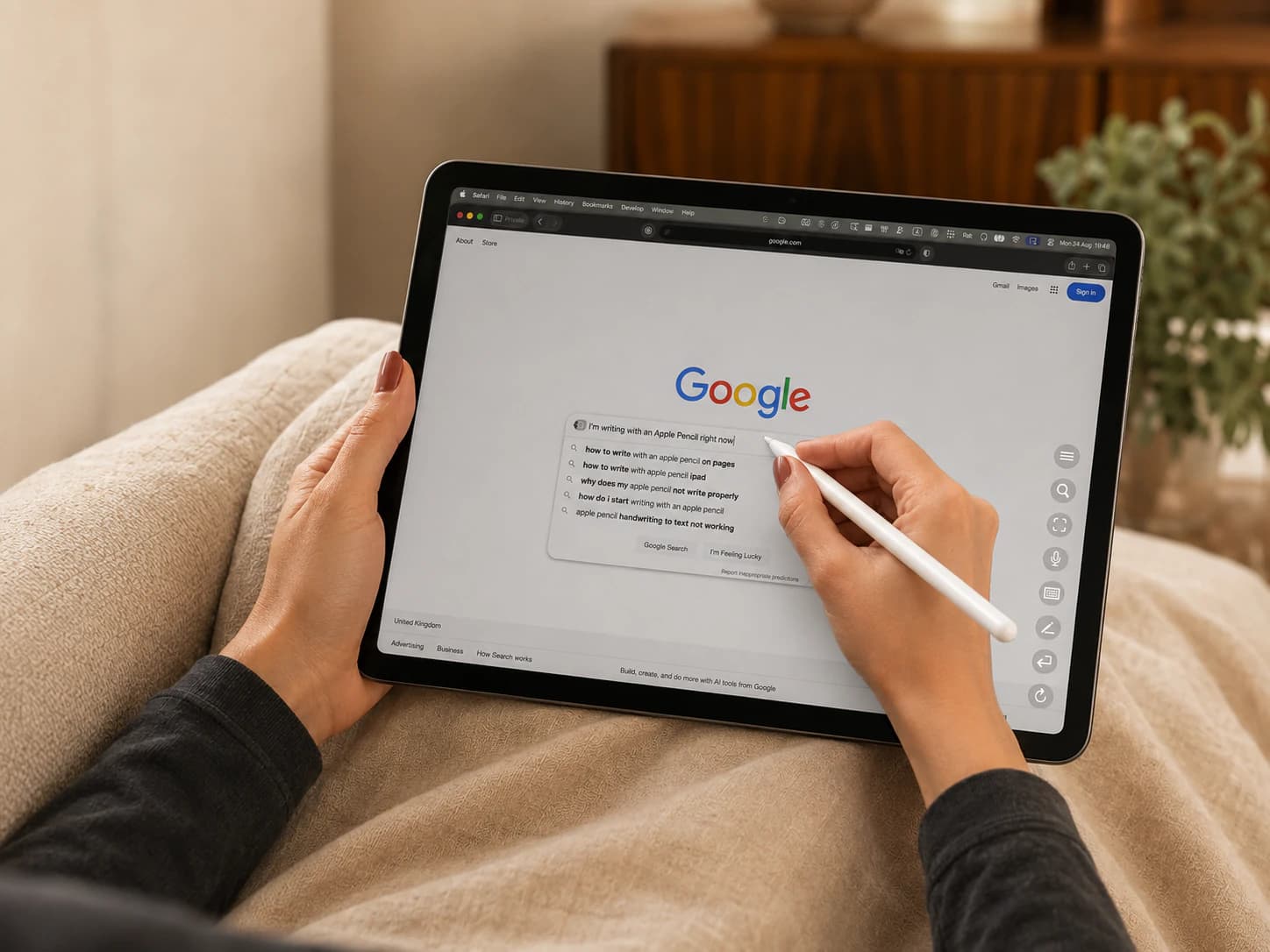
Put Pencil to work.
Write into a Mac text field with Apple Pencil.
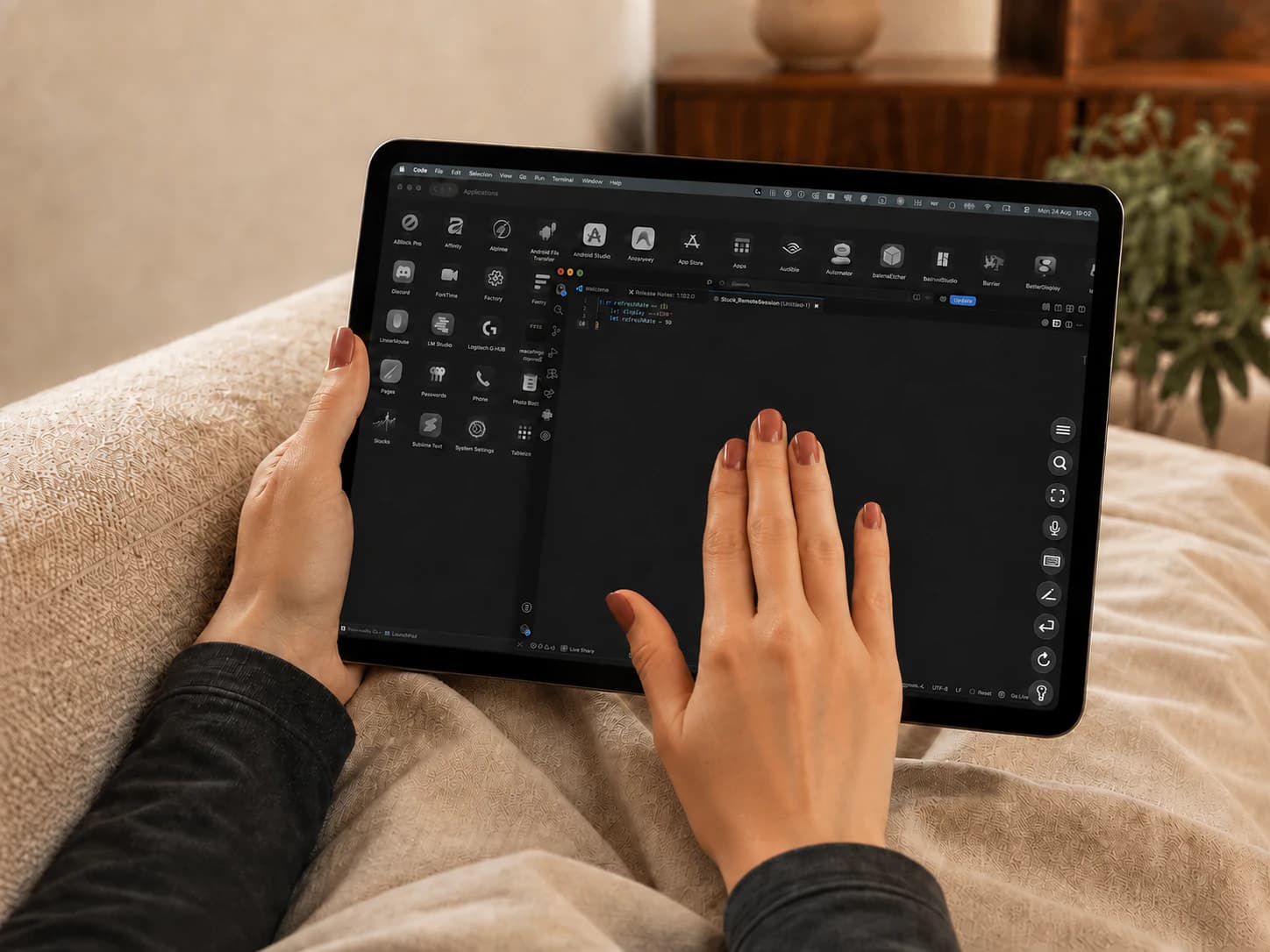
A familiar gesture.
Double-tap with three fingers for full screen. Two from the edge for Split View.
Drag / swipe to explore→
The iPad
is enough.
There’s something magical about picking up a piece of glass and getting straight to work. Something you can hold in your hands, yet do so much with. That’s what an iPad should feel like, even when the work calls for your Mac.
We wanted reaching your Mac to feel that easy. Your apps and work stay on your Mac. The way you use them belongs to the iPad: a movement of your fingers, a few spoken words, a shortcut under your thumb.
A keyboard is welcome. So is a desk. But you should be able to leave both behind and still feel at home in your work.
Private by architecture.
Not by promise.
Remote Rat connects your Mac and iPad directly, whether they are on your local network at home or using its built-in peer-to-peer system when you are away. Your screen, audio and input never pass through Rat Systems servers. Your Mac encodes the stream and sends it straight to your iPad.
Restrictive network? We recommend Tailscale as an optional fallback.
Choose your plan.
Three Macs. The free iPad companion. Everything included.
One introductory week per customer. Access continues through your paid period.
The desk is optional.