Remote control
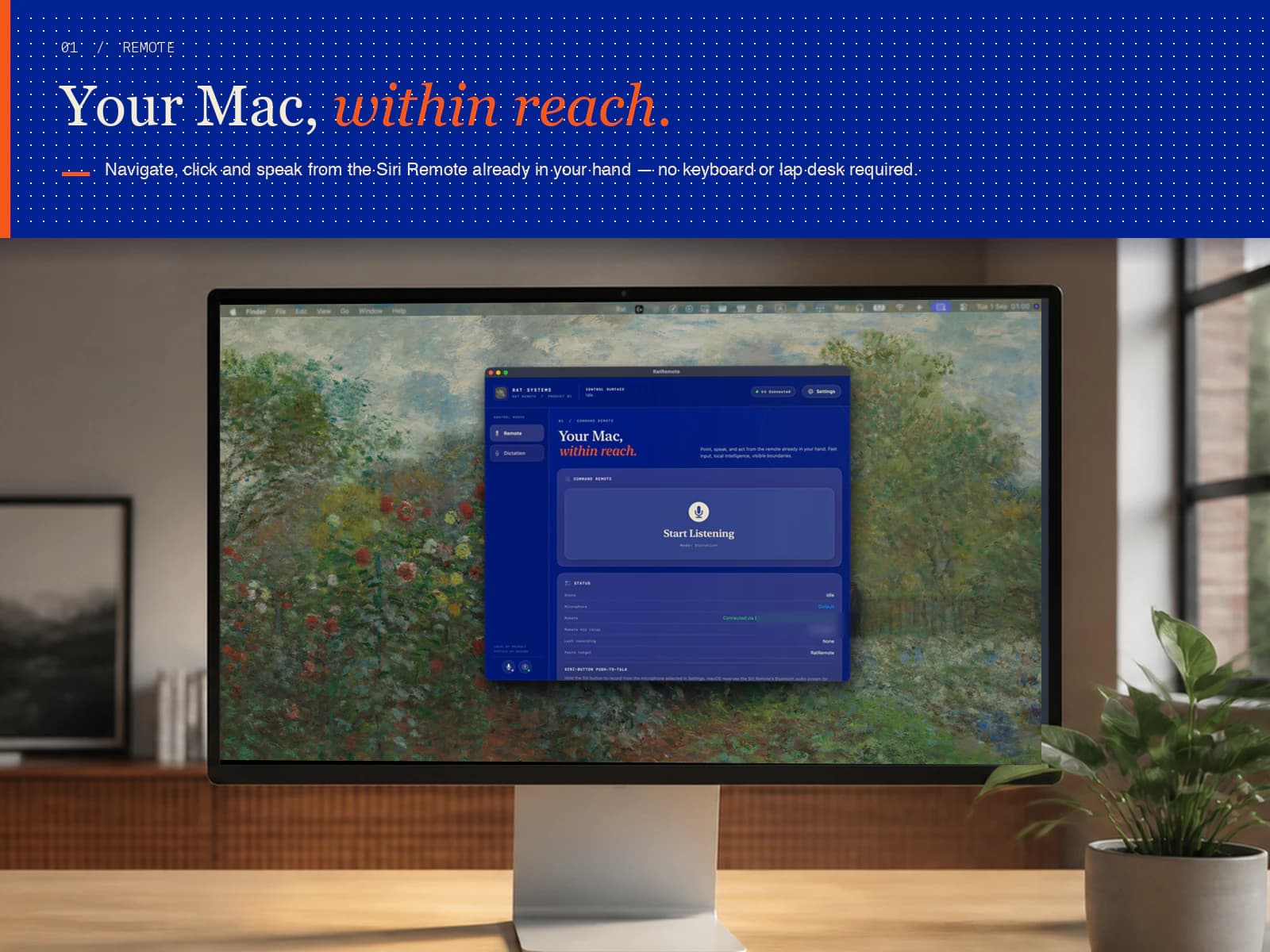
Use the Siri Remote as a pointer and compact control surface for macOS.
Why it helpsUseful when your Mac is connected to a television or display and the keyboard is out of reach.
Control your Mac with a Siri Remote, dictate through the microphone selected on your Mac, and run local or self-hosted voice commands from one native app.
Apache 2.0 · macOS 14+ · Build from source

Drag / swipe to explore→
Rat Remote is free and open source. These are the capabilities in the current build and the practical reasons you might use them.
Use the Siri Remote as a pointer and compact control surface for macOS.
Why it helpsUseful when your Mac is connected to a television or display and the keyboard is out of reach.
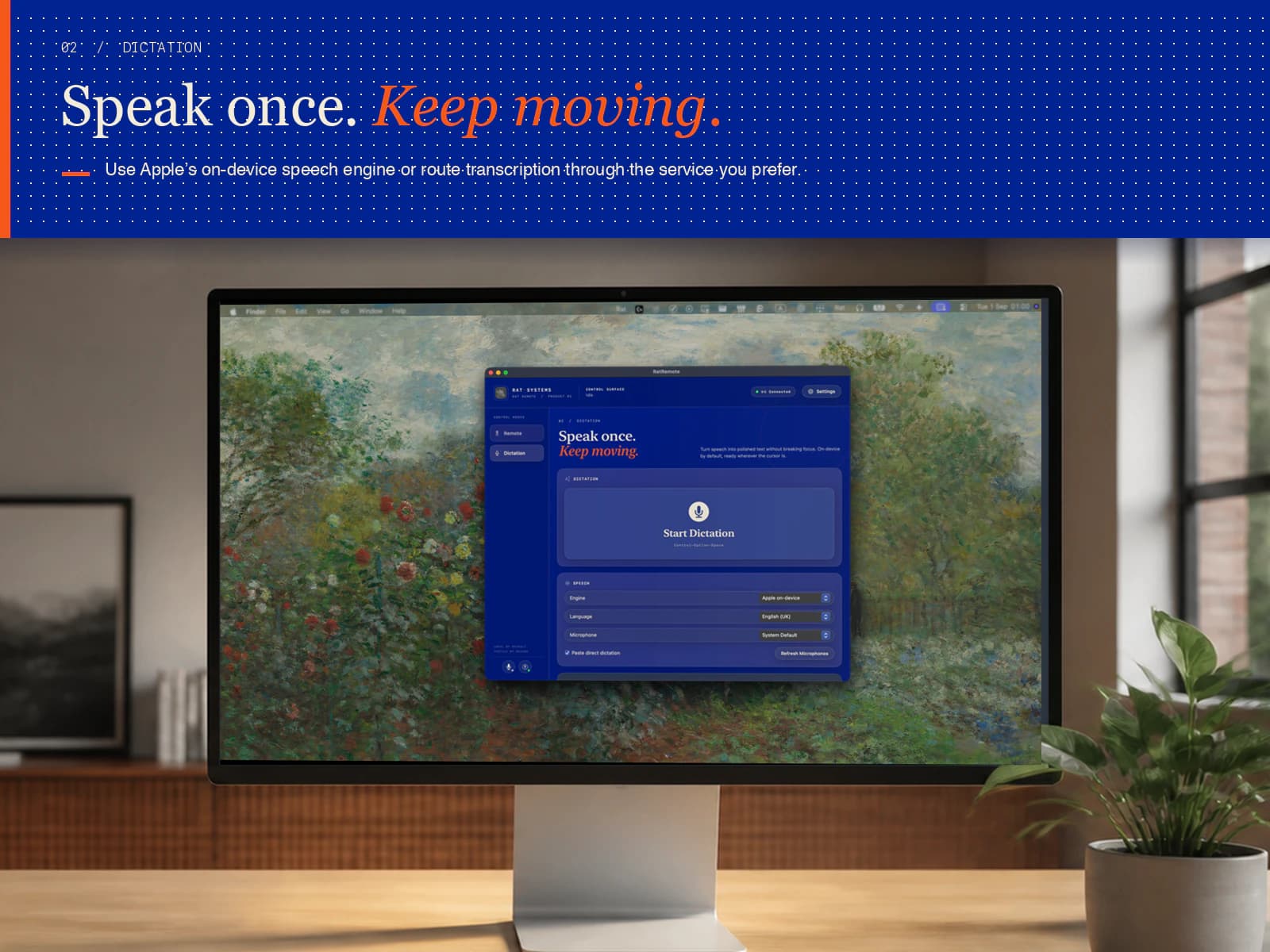
Start dictation from the Mac app or a keyboard shortcut, using the Mac’s microphone without connecting a Siri Remote.
Why it helpsUseful as a straightforward voice-to-text tool in its own right, so simple dictation does not require another dedicated app.
Hold the Siri button to record from the microphone selected in Rat Remote. macOS does not expose the remote’s protected Bluetooth microphone stream to standalone apps.
Why it helpsUseful because the remote becomes a convenient push-to-talk control while your chosen Mac, display, headset or other microphone captures speech.
Say “transcribe” followed by your message into the Siri Remote. Rat Remote treats the rest as dictation and places the finished text into the active app.
Why it helpsUseful when you want to move from a spoken command to text entry without changing modes or touching the Mac.
Remote dictation already needs a transcription model, microphone handling and text insertion. Rat Remote exposes that same pipeline as first-party Mac dictation instead of duplicating it.
Why it helpsUseful because remote and desktop dictation share one setup, one model and one set of controls.
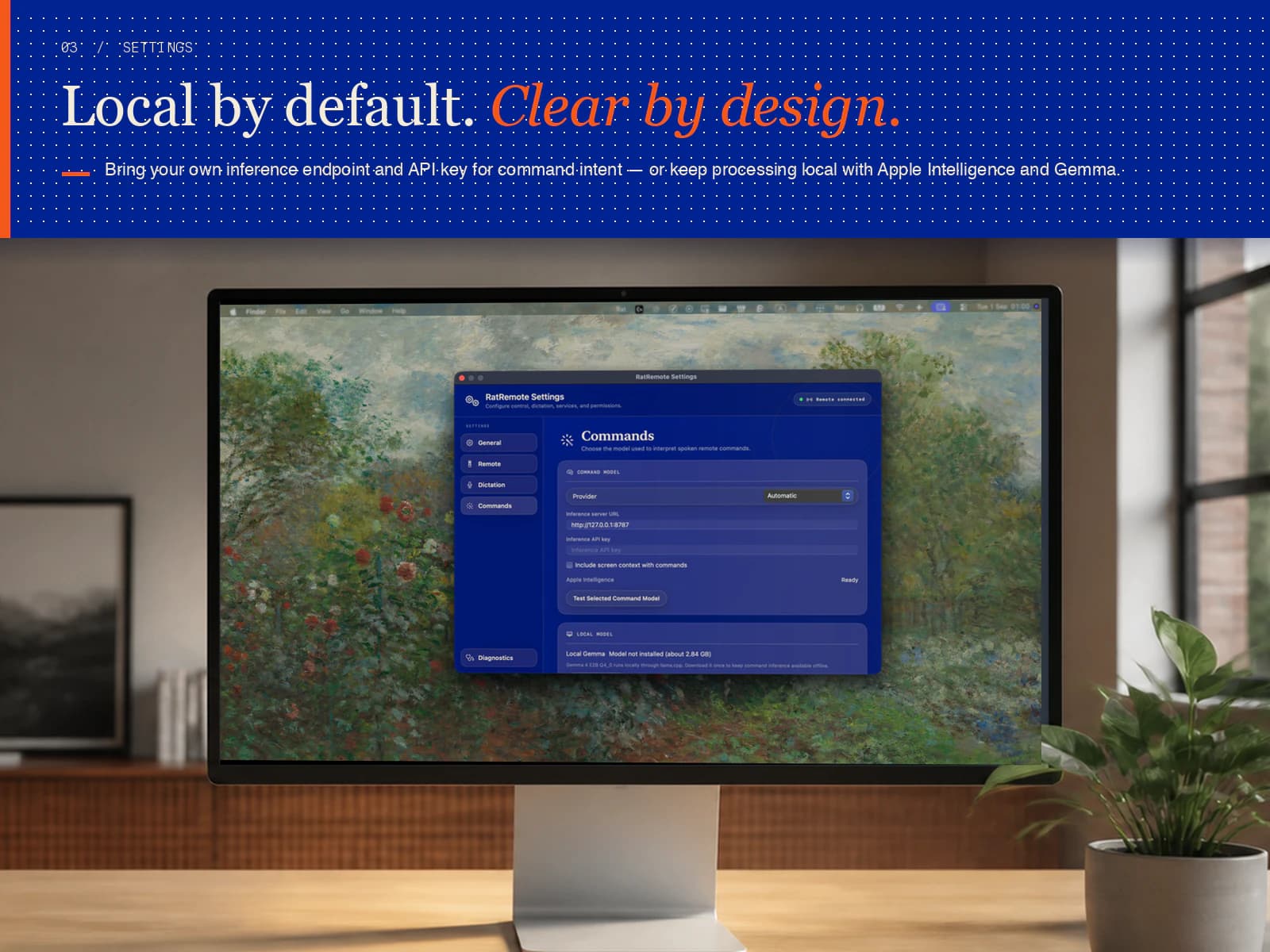
Use Apple’s on-device tools, Apple Intelligence, local Gemma or Ollama models, or a compatible endpoint with your own API key. Permissions and optional screen context remain visible in Settings.
Why it helpsUseful when you want to choose the balance between capability, privacy and where processing happens.
The complete project has no paid edition or locked feature tier. Source code, setup instructions and issue tracking are available in the public repository.