Dictation
Speak naturally on iPad and send the finished thought straight into the active Mac field.
Turn your iPad into a fast, full-screen window onto a Mac on the same local network. The streamed desktop stays in view while native controls handle typing, dictation, Pencil and every trackpad gesture.
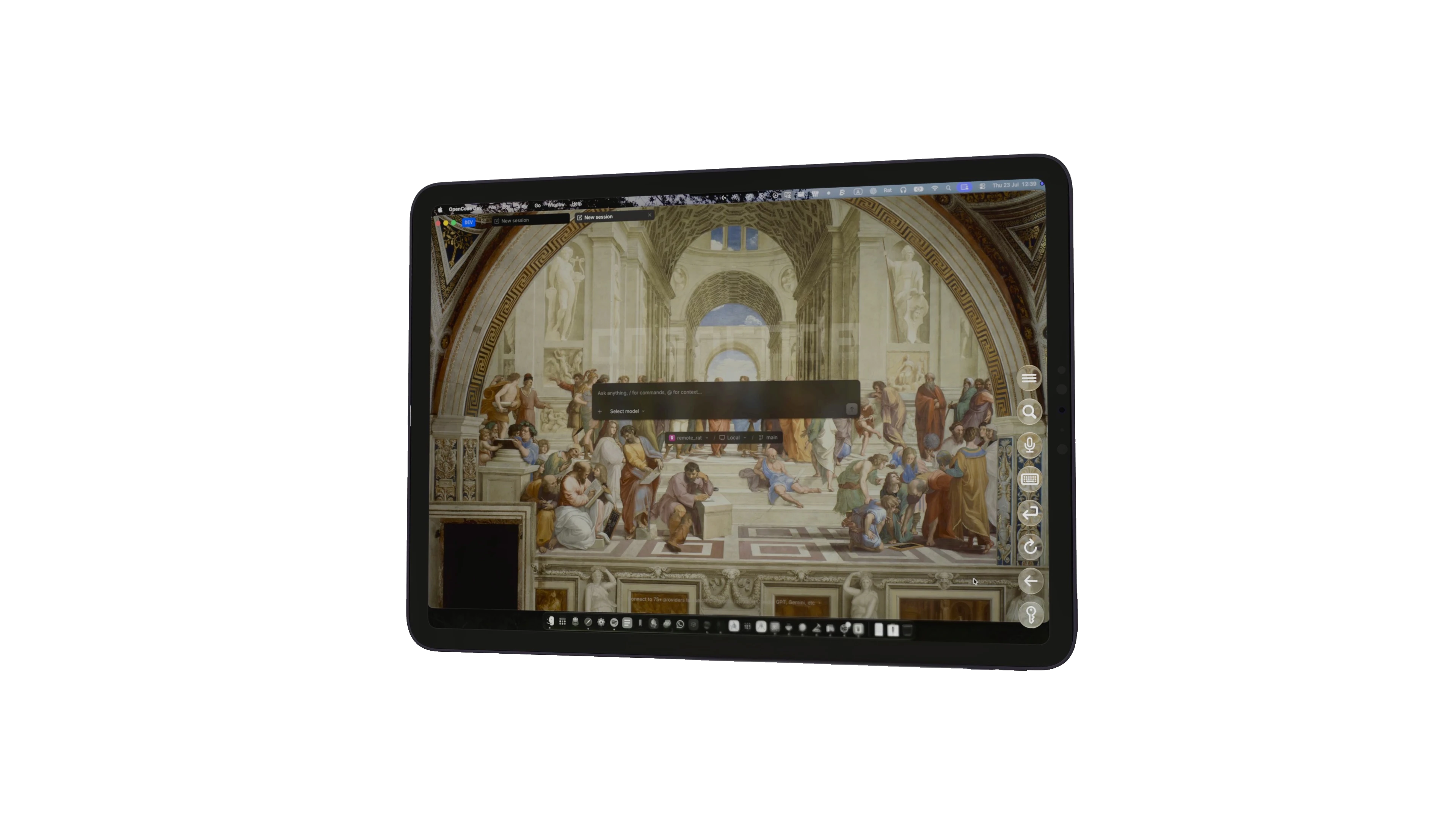
Speak naturally on iPad and send the finished thought straight into the active Mac field.
Keep Command, Option, Control, Shift, Tab, arrows and your custom shortcuts within reach.
Native Retina-quality H.264 streaming targets the iPad display and prioritises fresh frames over stale work.
Use the entire display as a trackpad, with scrolling, pinch zoom and familiar macOS gestures.
Three fingers can take an app full screen; two-finger drags from either side arrange split-screen windows.
Point, drag and write with direct Pencil input plus native Scribble handwriting-to-text.
Remote Rat discovers and connects to your own Mac across the local network. Rat Systems does not receive the video, audio, keyboard or pointer contents of your session.