Mac host
Use an Apple silicon or Intel Mac running macOS 14 or later. The Mac host licence can activate up to three Macs.
Remote Rat · Compatibility
Remote Rat supports Apple silicon and Intel Macs on macOS 14 or later, paired with the current native iPad companion.
Get Remote Rat →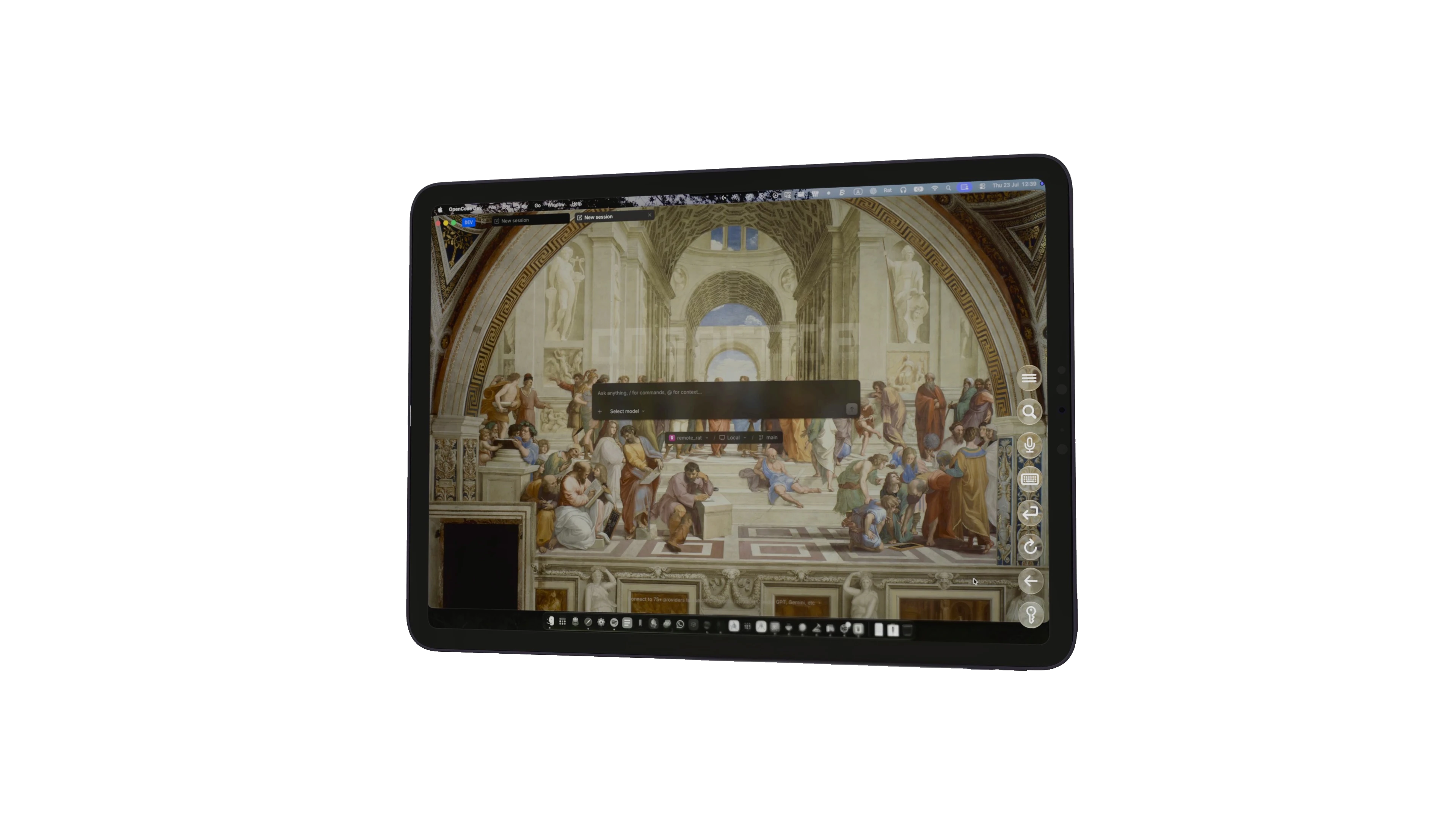
Use an Apple silicon or Intel Mac running macOS 14 or later. The Mac host licence can activate up to three Macs.
Install the current Remote Rat companion on iPad and grant Local Network permission for private host discovery.
A local network is the default path. Tailscale can provide an optional user-controlled route when you are away from home.
— Step by step
Choose About This Mac and make sure the host is running macOS 14 or later on Apple silicon or Intel hardware.
Use a current iPadOS release that can install the latest Remote Rat companion from the App Store.
Sign into the same iCloud account where private discovery requires it, keep both devices on the same local network and allow Local Network access.
Streaming quality depends on Wi-Fi congestion, signal strength and the Mac’s workload. Test in the room and setup where you plan to use it.
— Good to know
Remote Rat does not send your session through a Rat Systems cloud relay. Local networking is the native path.
Higher refresh rates depend on supported Mac and iPad hardware, network conditions and the chosen stream settings.
The host creates and streams an iPad-format Mac display with system audio rather than merely mirroring a web page.