Mac
A Mac running macOS 14 or later is required for the current Rat Remote build.
Rat Remote · Compatibility
Rat Remote needs macOS 14 or later. Its remote controls use a Bluetooth Siri Remote, while Mac dictation can work from the selected Mac microphone on its own.
Check the source →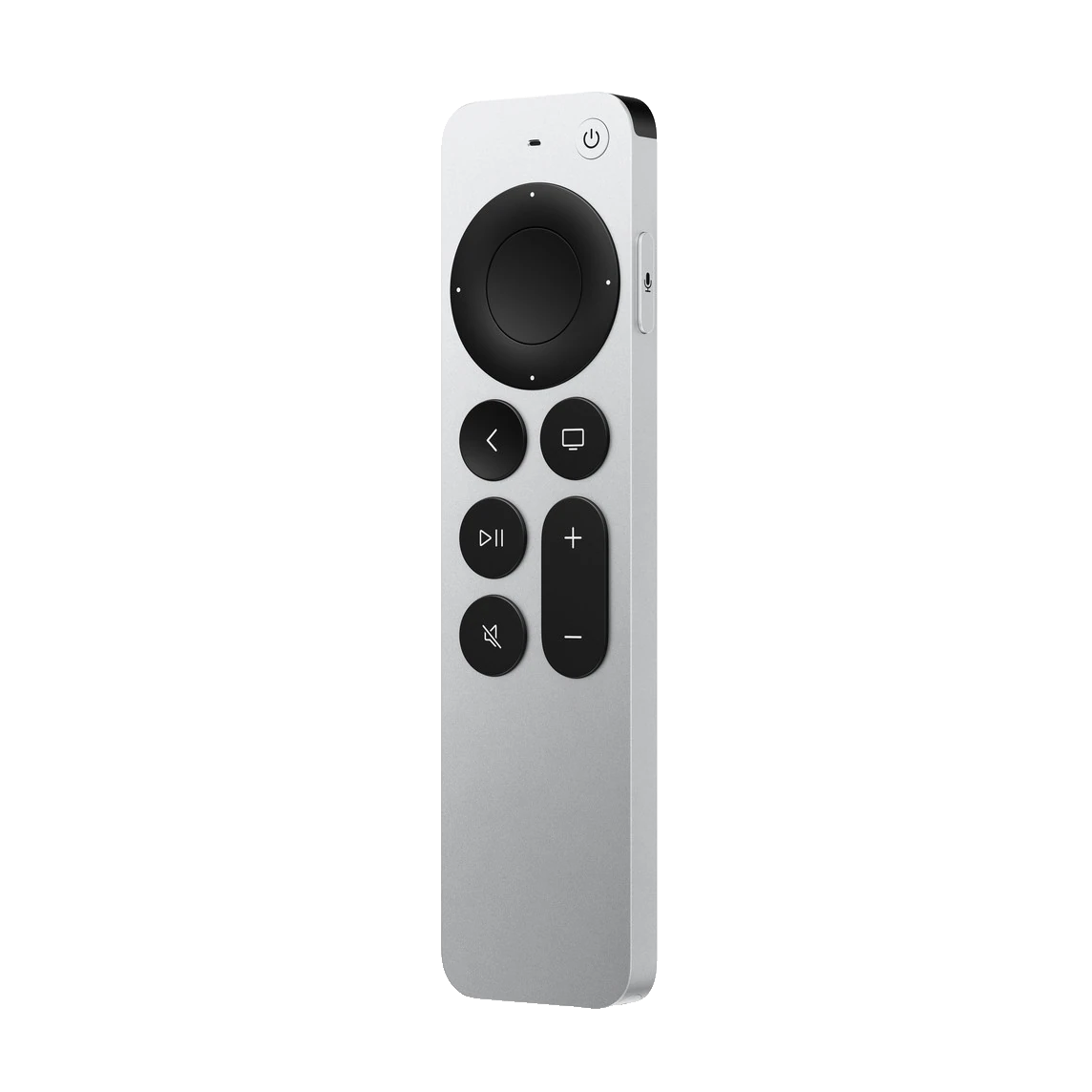
A Mac running macOS 14 or later is required for the current Rat Remote build.
Remote-specific pointer and button controls require a compatible Bluetooth Siri Remote paired with macOS.
Voice features record from the microphone selected on the Mac, not the protected microphone stream inside the remote.
— Step by step
Choose About This Mac and confirm the machine is running macOS 14 or a later supported release.
Open System Settings → Bluetooth and confirm the Siri Remote can be discovered and connected.
Select an available Mac, display, headset or other microphone in Rat Remote’s settings for dictation and voice commands.
Confirm that the Apple, local, self-hosted or compatible endpoint option you plan to use is available on your particular Mac.
— Good to know
Apple does not expose the remote’s protected Bluetooth microphone stream to standalone macOS apps. Holding Siri is the trigger; your selected Mac microphone captures speech.
Rat Remote can start straightforward dictation from the Mac app or a keyboard shortcut using the selected microphone.
Compatibility may evolve with macOS and the project. The repository is the source of truth for the latest build notes and issues.